Pick any mix of PDFs and images, drag them into the order you want, and iFiles merges them into a single PDF — entirely on your device, no upload, no waiting.
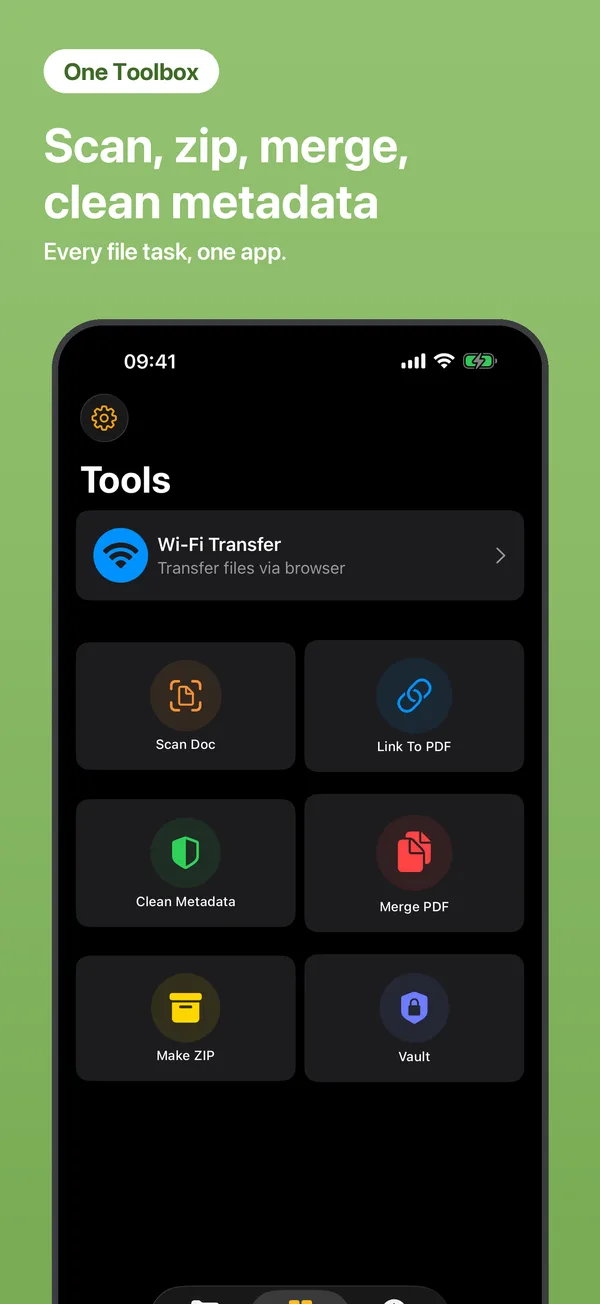
Go to Tools → Merge PDF.
Pick PDFs and images from your files or photos; drag to set the order.
Tap merge — the combined PDF is saved into My Files.
Yes — photos and PDFs can be combined into a single document, in any order.
No. Everything runs locally on your iPhone — files are never uploaded, and it works offline.
You can try it for free. Unlimited merging is part of iFiles Pro, with a 3-day free trial.
 iFiles