Browse, view and organize your files — with free Wi-Fi transfer, document scanning, PDF tools, ZIP compression, photo privacy cleanup and a Face ID vault. Everything stays on your device.
10+ years on the App Store · 1,000,000+ downloads · Files never leave your device
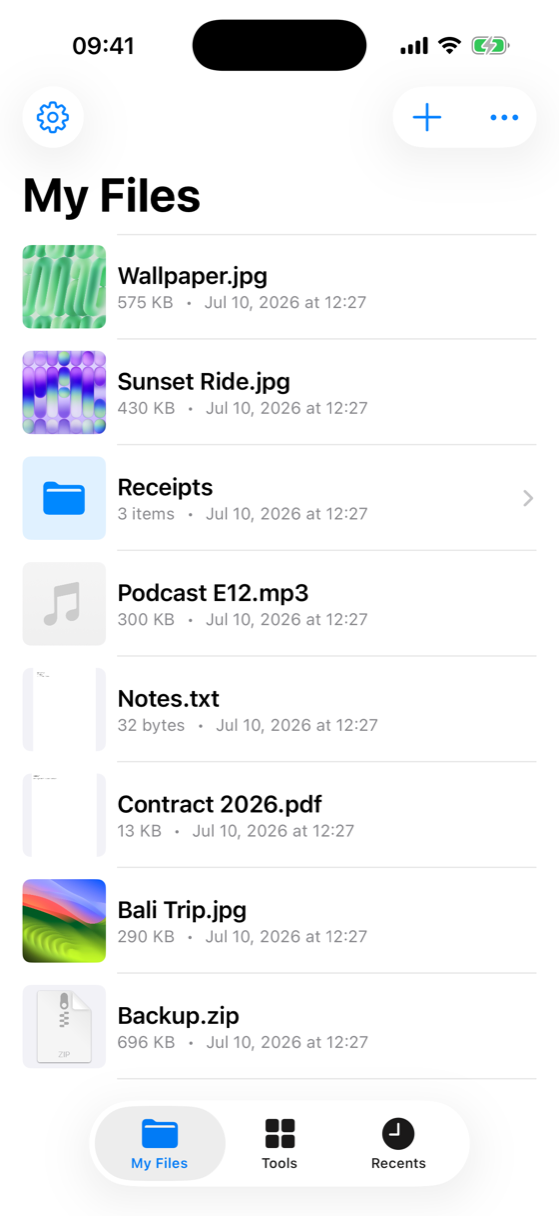
A fast local file browser, plus a growing toolbox for everyday tasks.
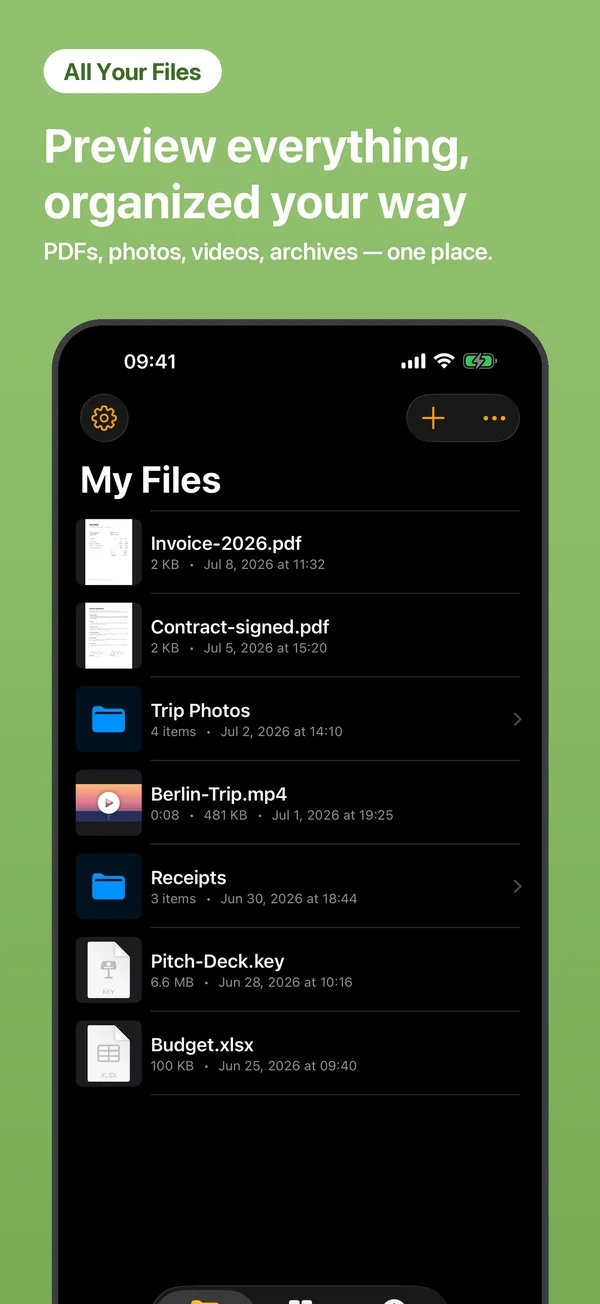
View, sort and organize files and folders. Multi-select to share, move or delete in batches.
Preview images, videos, PDFs, text and documents — and browse inside ZIP / RAR archives.
Move files between your computer and iPhone from a browser. No cable, no account.
Extract, reorder, rotate or delete pages — or split a PDF into separate files.
Strip GPS location, device model and capture time from photos before you share.
Draw and add simple notes to images.
Save any web page as a PDF for offline reading.
Real screens from the app — nothing mocked.
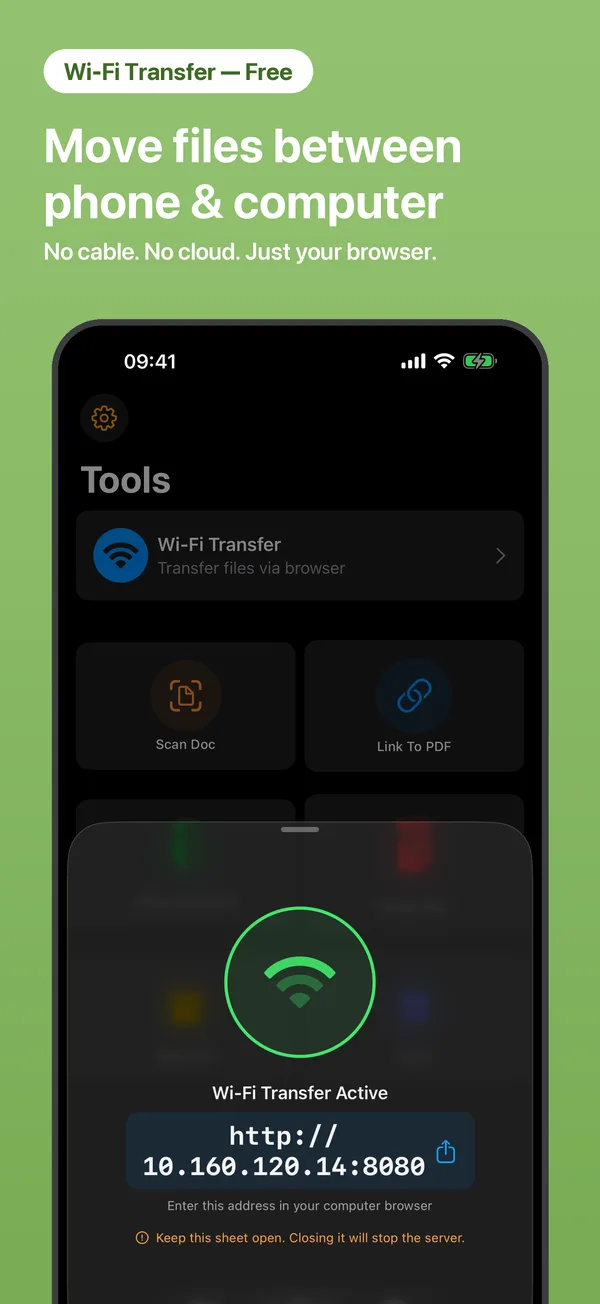
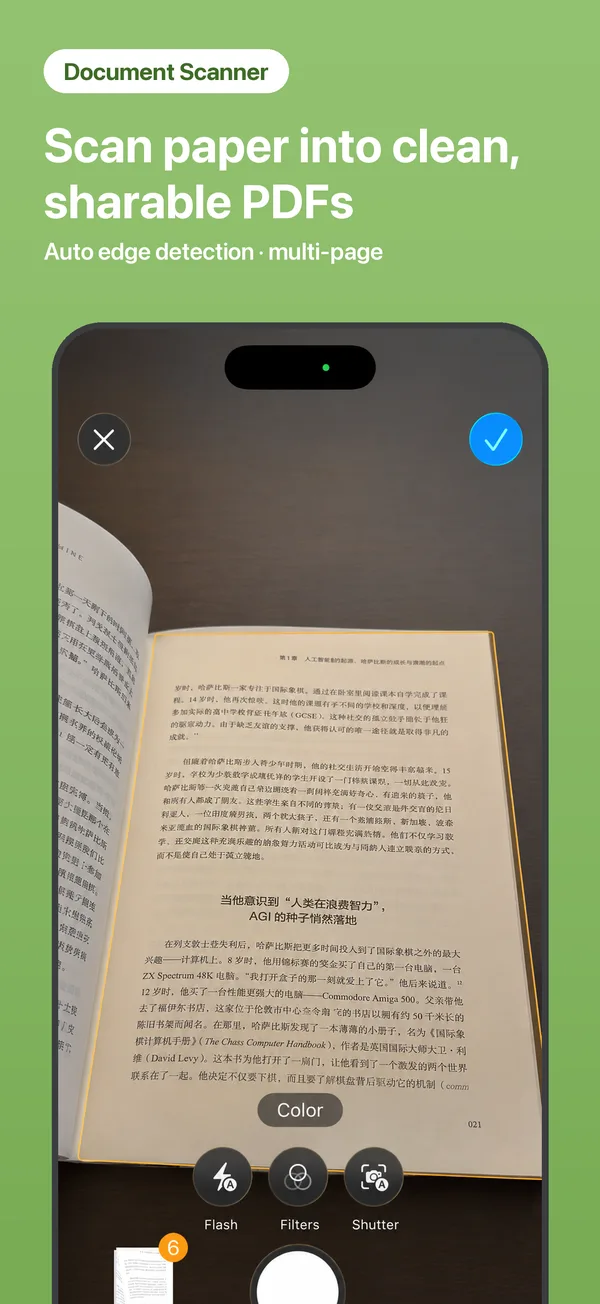
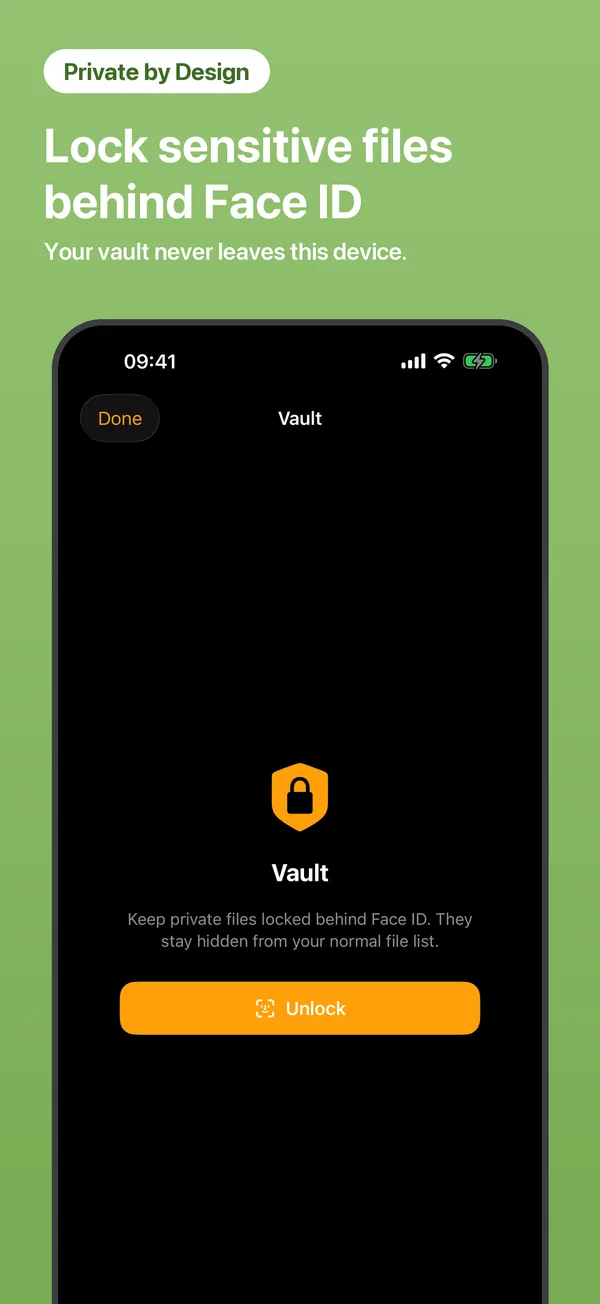
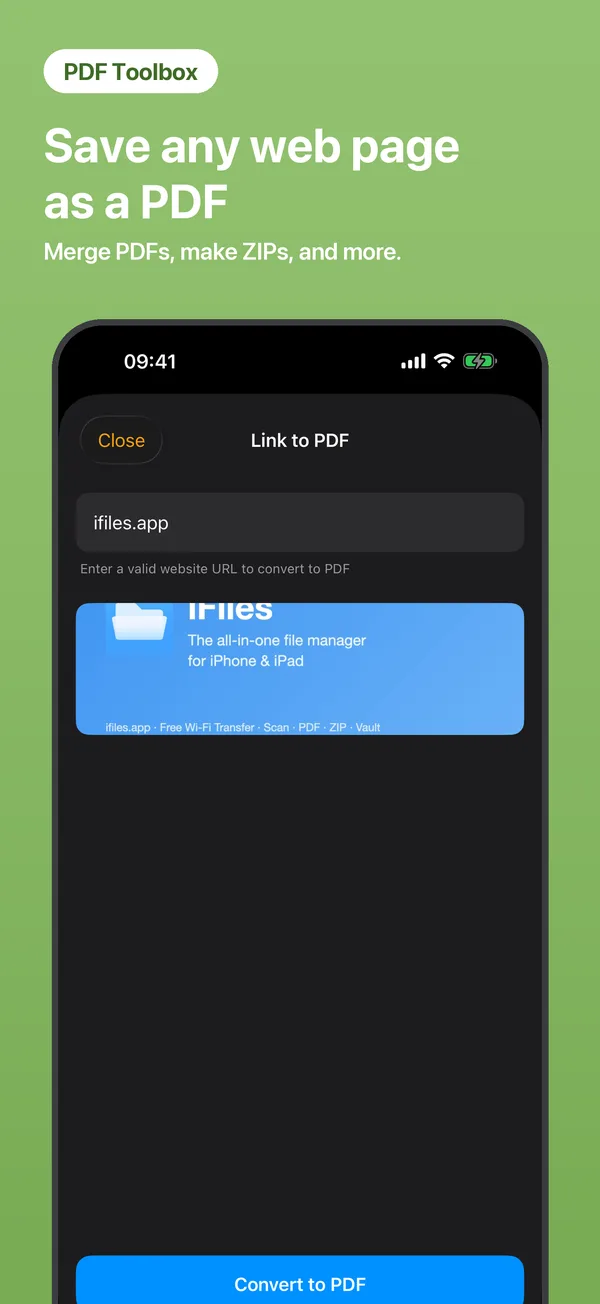
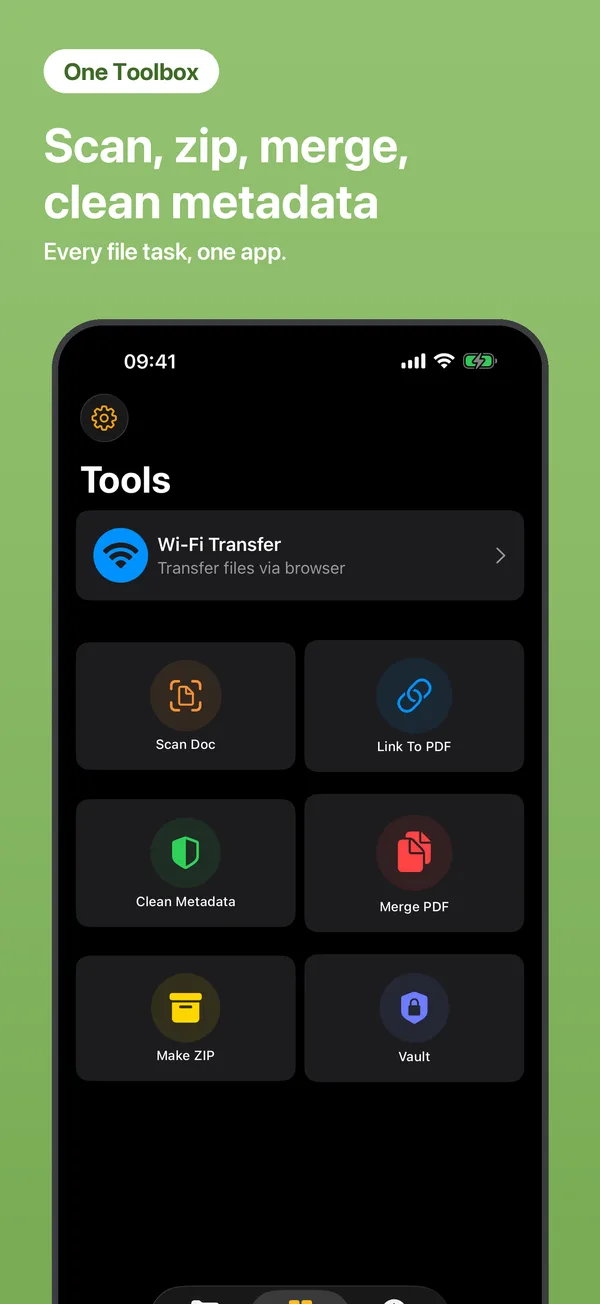
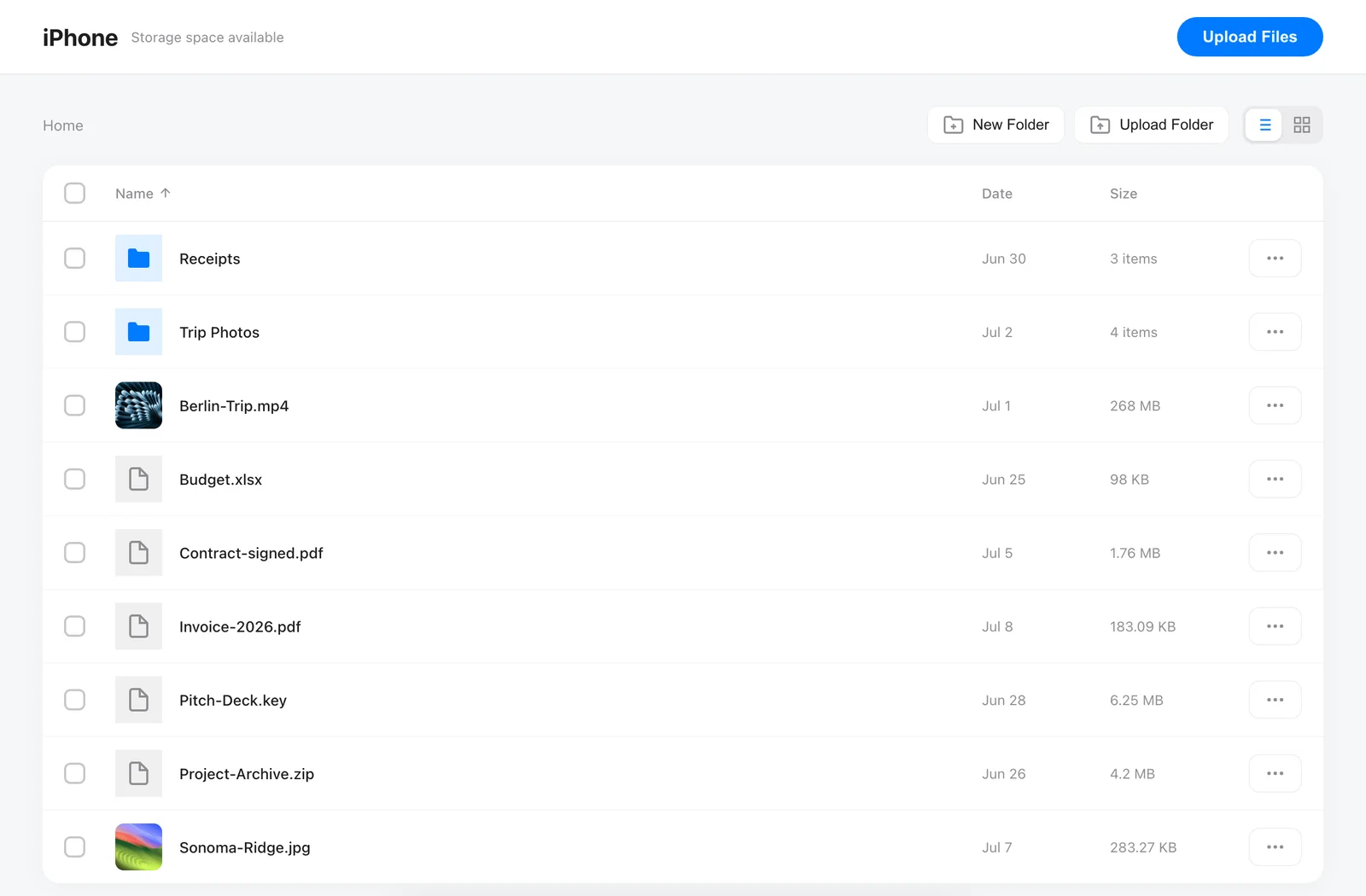
Your iPhone becomes a tiny web server on your local network. Transfers go directly between your devices — never through the internet.
Open Tools → Wi-Fi Transfer and tap Start.
On your computer, type the address shown (like http://192.168.1.5) into any browser — same Wi-Fi network.
Upload by dragging files in, download with a click. Folders, batches and ZIP downloads included.
Try everything free for 3 days, then pick the plan that fits you. Pro unlocks the full toolset: document scanner, Link to PDF, Vault, metadata cleaner, the PDF suite — merge, split, compress, protect, sign — and ZIP tools.