Payslips, contracts, medical records — some PDFs shouldn't open for just anyone. iFiles sets a real open-password on the PDF itself, so it stays protected wherever you send it. Know the password of a locked PDF? Remove it just as easily.
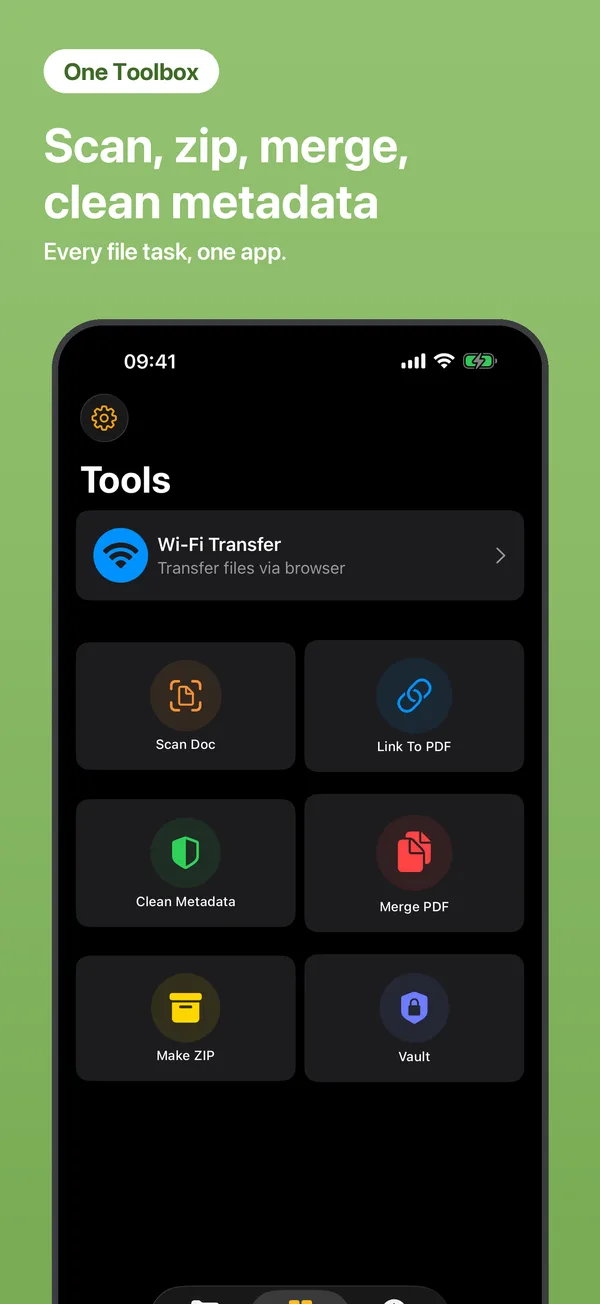
Open Tools → Protect PDF and choose the document.
Type a new password to lock the PDF — or enter the current one to unlock it.
The protected (or unlocked) copy is saved to your files, ready to share safely.
Yes. The password is written into the PDF itself using standard PDF encryption — it stays protected in email, chat apps and on other devices, not just inside iFiles.
Only from PDFs you can unlock — you need to know the current password. iFiles doesn't crack protected files.
Never. Encryption and decryption run entirely on your iPhone, offline.
 iFiles