Open a PDF in iFiles' PDF Pages tool and every page becomes a tappable thumbnail. Select pages to extract or delete, drag to reorder, rotate what's sideways — or split the whole document into separate files. Everything happens on your device.
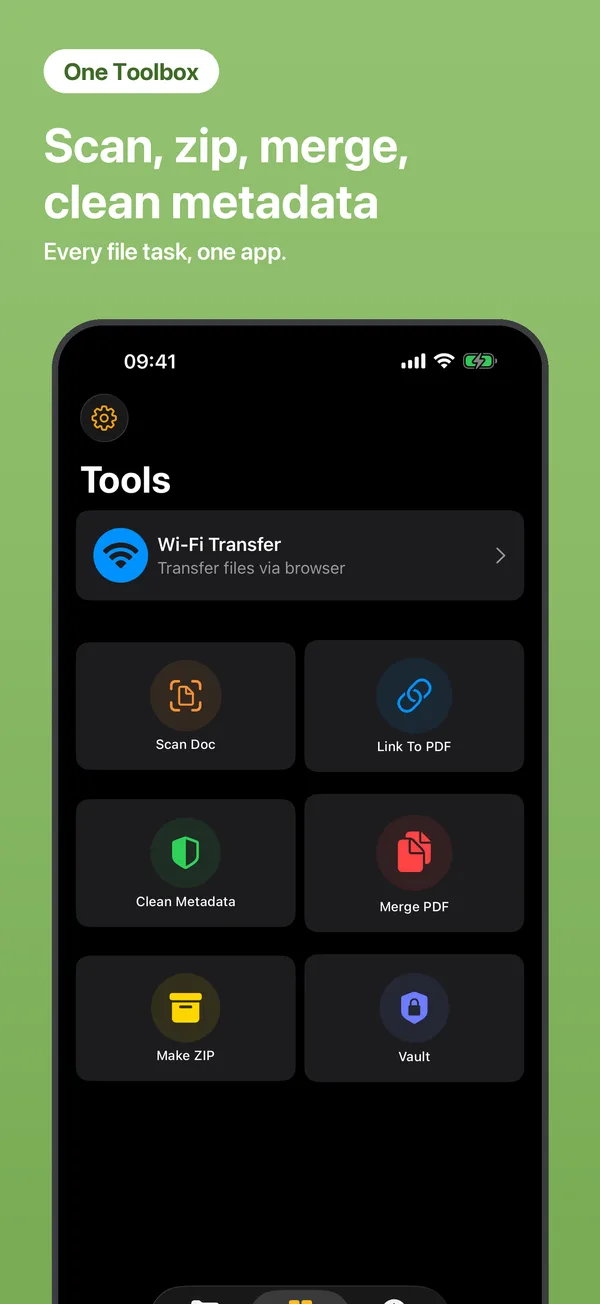
Open Tools → PDF Pages and choose a PDF from your files.
Tap pages to select, drag to reorder, rotate or delete — or choose Split to cut the document apart.
Save the result as new PDFs right into your file list, ready to share.
Yes — select the pages you need and extract them into a new PDF; the original stays untouched.
No. Everything runs locally on your iPhone — files are never uploaded, and it works offline.
You can try it for free. Unlimited use is part of iFiles Pro, with a 3-day free trial.
 iFiles