The Vault is a private area guarded by Face ID or your device passcode. Files you move there disappear from the normal file list — and like everything in iFiles, they never leave your device.
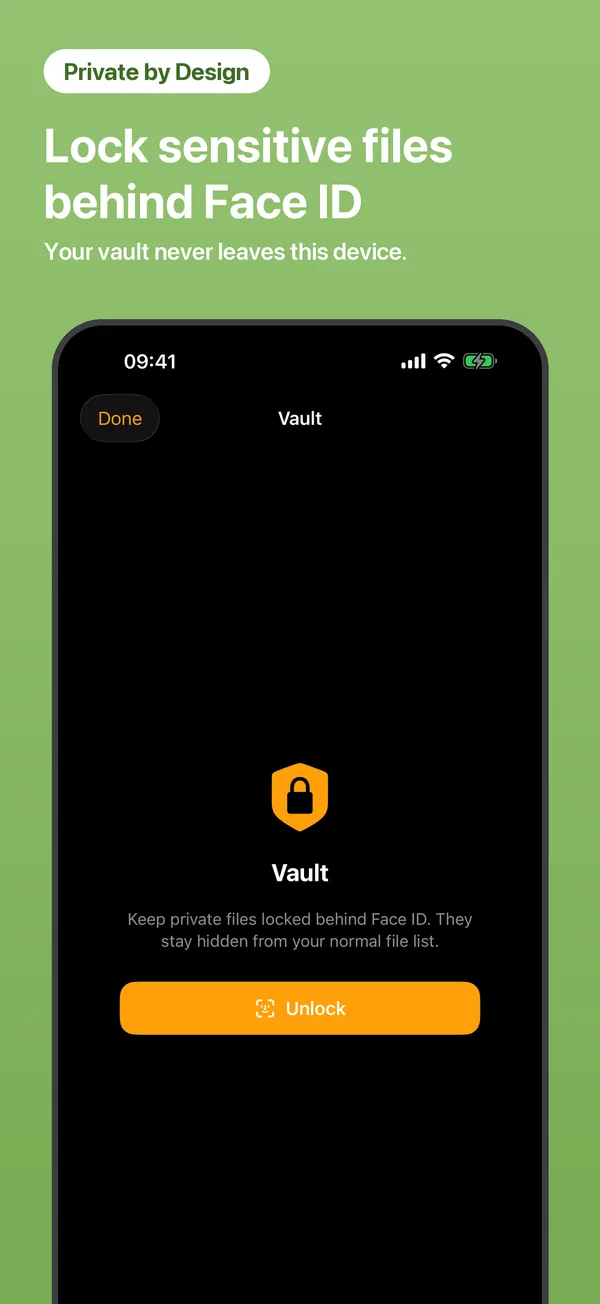
Open Tools → Vault and authenticate with Face ID.
Move files in from My Files — one at a time or in batches.
Vault files vanish from the regular list until you unlock again. The Vault locks itself when you leave the app.
Face ID, Touch ID or your device passcode — the same system protection that guards your phone.
No. Vault files are stored only in the app's private storage on your device.
iOS falls back to your device passcode, so you're never locked out.
 iFiles