Contracts, forms, approvals — signing a PDF shouldn't require printing it. iFiles lets you draw your signature once, keeps it in a private signature library on your device, and lets you drag, pinch and place it exactly where it belongs — on any page, even several at once. The signature is rendered into the PDF itself, so it looks right in every reader.
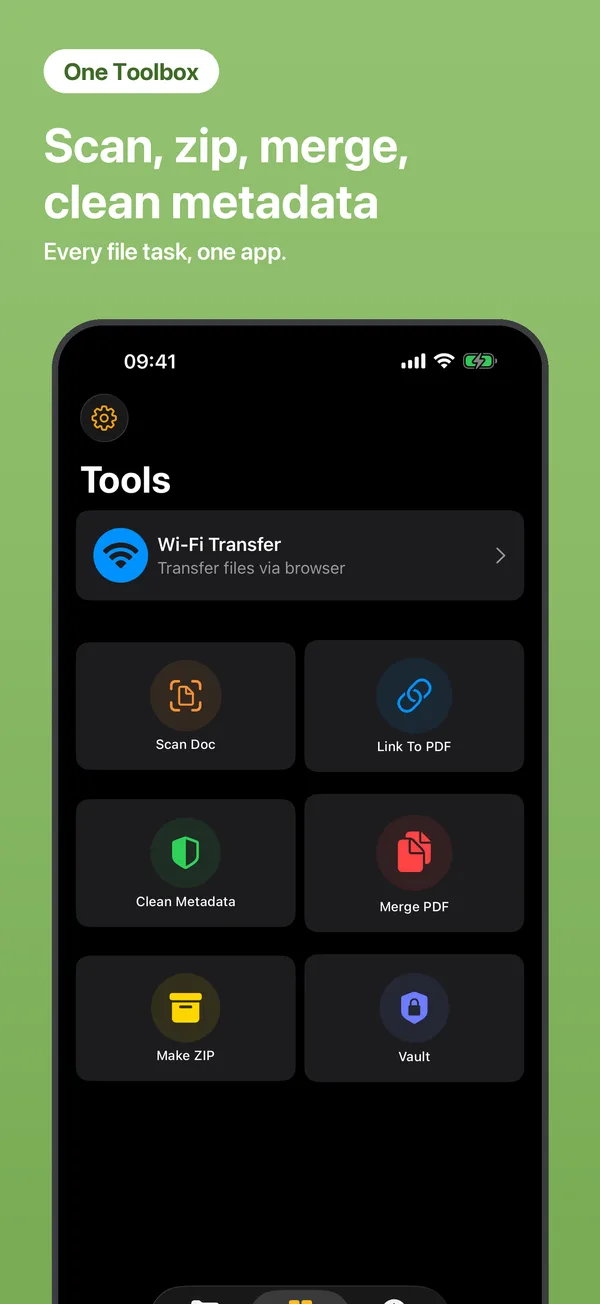
Open Tools → Sign PDF and choose the document.
Draw with your finger — or tap one you saved earlier. Black or blue ink.
Drag and pinch the signature into position, tap Place, then Sign & Save. The signed copy lands in your files.
No. Drawing, placing and rendering all happen on your iPhone, offline. The PDF is never uploaded anywhere.
Yes. Signatures you draw are stored in a private library on your device, so next time it's one tap.
Yes. The signature is rendered into the page itself — it shows up in any PDF reader, on any device.
 iFiles