Select any files or folders and compress them into a ZIP in one tap — or tap any ZIP or RAR to look inside and extract exactly what you need. Everything runs offline, on your device.
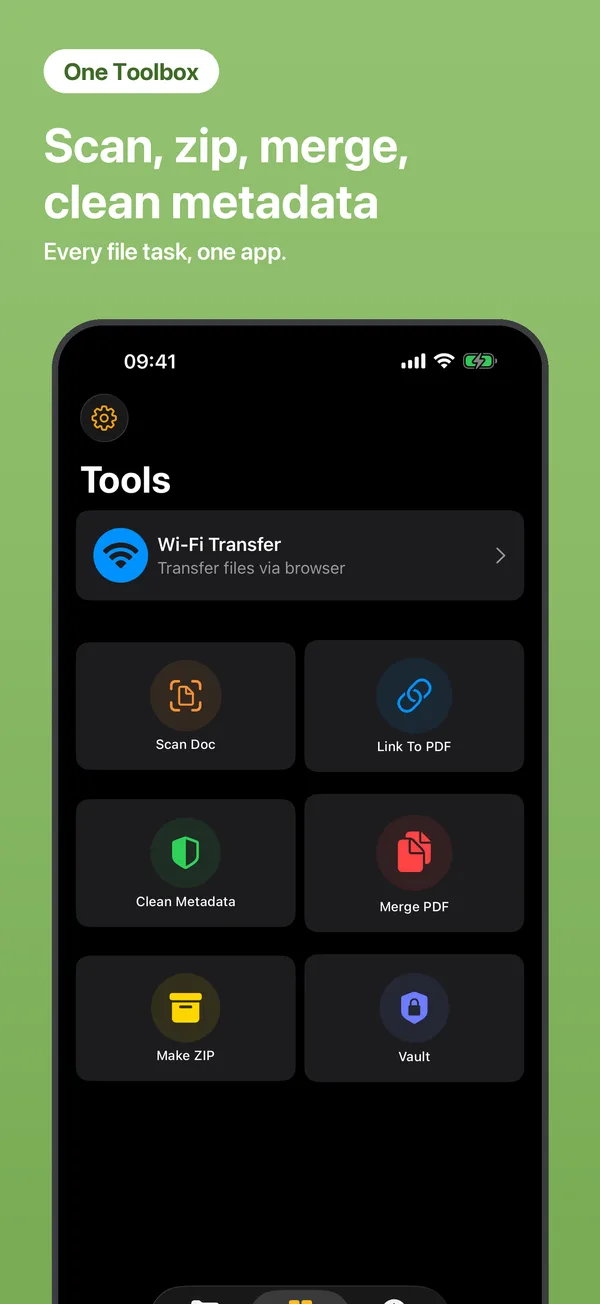
Multi-select files or folders in My Files.
Choose Make ZIP — the archive appears next to your files.
Tap any ZIP or RAR to browse inside and extract everything or single files.
Yes — ZIP and RAR archives can be previewed and extracted. New archives are created as ZIP.
No artificial limits — it only depends on your device storage.
Completely. Compression and extraction run locally on your iPhone.
 iFiles